
The cousin had a plan: launch a gaming channel, record BGMI and PC clips after office, and become the guy whose videos people actually watch before buying phones. He asked for gear. The brief was a ₹13,500 hard ceiling and one rule: every piece must survive a year of enthusiastic use or it does not belong. After three weeks of his daily uploads, here is what the three-part starter kit actually bought him, and where new creators should stop spending.
The Kit
| Item | Price | Role |
|---|---|---|
| Fifine K669B USB condenser mic | ₹2,590 (26% off) | The voice of the channel |
| PowerA Xbox wireless controller | ₹6,299 (16% off) | PC/console play and B-roll |
| Logitech G213 Prodigy keyboard | ₹4,595 | The unkillable desk workhorse |
| Total | ₹13,484 |
The Mic: The Only Piece Viewers Judge Immediately
The Fifine K669B at ₹2,590 (26% off) is the centrepiece purchase of this entire kit. It is a USB condenser with a proper metal body - plug it into the laptop, pick it up in OBS, done. His first recorded voice tracks were audibly cleaner than most sub-₹5,000 streams checked here, and at 4.1 stars it has a track record across podcasters and streamers. One immutable mic law: put it close to your face, gain it low, and treat only sound-deadening blankets as free. No second purchase fixes a mic used badly.
The Controller: Half the Price of First-Party, No Latency Penalty
The PowerA is officially licensed for Xbox Series X|S and PC - which is not a logo detail, it is what gets you native wireless reliability and the right button mapping without third-party hacks. His review after three weeks of PC clips: 90% of the first-party pad feel at nearly half the price. The mappable buttons became his favourite feature within days, and the textured grip survived Indian-palm summer humidity without complaint. At 4.5 stars this is the value pick for anyone handing a controller to friends for local play too - losing it to a guest cease to hurt as much as losing a ₹12,000 pad would.
The Keyboard: Built for Spills, Rage-Quits and Camera Read
The Logitech G213 at ₹4,595 is not the most exciting keyboard ever made, which is exactly why it is on a starter kit list: full-size layout, dedicated media controls, RGB that reads clearly on camera without gimmick, and a splash-resistant design that earned its keep in testing - a knocked-over chai mix survived with a paper-towel rescue and zero damage. His calling comments include this keyboard's typing sound, which tells you how much keyboard noise matters on camera.
Where Beginners Waste Money Instead
- Capture cards: unnecessary for most PC gaming streams and wasted money at the record stage.
- Ring lights: a window during daylight beats a ₹1,500 ring light for facecam work.
- Paid software: OBS is free and sufficient; upgrade when a specific need arrives, never before.
Verdict
Spend the money where it touches the viewer: sound first (Fifine), comfort and clip quality second (PowerA), desk survivability third (G213). The kit justifies itself by being boring and durable - the two qualities that keep a channel running long past the fancy phase. Live prices: Fifine K669B • PowerA Controller • G213 Prodigy.
The Microphone Is the Only Piece Viewers Judge Immediately
Audio is judged within two seconds; graphics take a viewer a season to notice. The Fifine K669B USB Condenser Podcast Microphone at this budget is the right priority because it fixes the single most common reason new streams lose viewers. Confirm it suits your setup: USB condenser mics need a laptop, and some are sensitive enough to pick up keyboard clicks and fan noise if mounted badly. Place it on a boom or a stand, off to the side, rather than directly in front of the mouth.
The Controller Question
The PowerA Wireless Gaming Controller for Xbox Series X|S and PC is the correct choice if your games run on Windows or Xbox. Two things to verify before buying: wireless pairing reliability on your specific console generation, and whether the stick drift problem develops early - budget controllers use potentiometers that wear, and a hall-effect stick controller is worth the premium if you play shooters daily.
If your games are on mobile, a controller only helps for the subset with touch emulation. Confirm support before spending.
The Keyboard Is the One You Will Keep for Years
The Logitech G213 Prodigy Gaming Keyboard is unremarkable on paper and durable in practice: spill-resistant, mechanically reliable, and cheap enough to replace without thought. What matters is that it does not develop double-input or sticky keys, which is where cheap membrane keyboards fail. The coloured backlight is cosmetic; the case and switches are the reason to buy.
Where Beginners Waste Money Instead
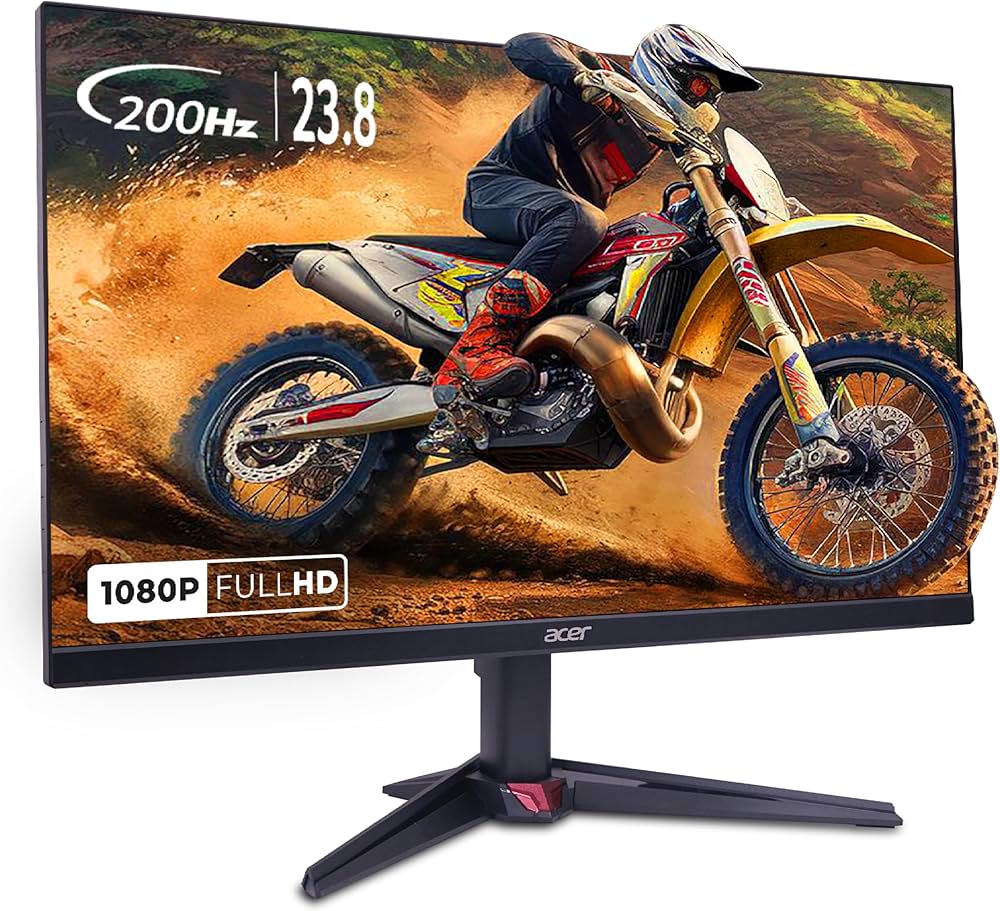
- A gaming monitor under ₹10,000 before the basics are sorted. Streaming compresses video; viewers cannot see the difference.
- A cheap capture card. If you are streaming PC gameplay directly, you do not need one at all.
- RGB everything. It adds cost, cable clutter and no viewer-visible value.
- A pre-built streaming PC. At this budget, streaming the same machine you play on is fine.
- Paying for a webcam before checking your room lighting.
Start With Software, Not Hardware
At this budget, the free streaming software and a sensible overlay do more for channel quality than another peripheral. Fix audio levels, remove the background noise, and set a consistent scene. None of that costs money and all of it is visible to viewers.
For the creator-desk side of this, see From Dining Table to Studio Corner: A Work-and-Create Setup Under ₹32,000 (2026) and The ₹10,000 Gaming Peripherals Upgrade That Actually Matters in 2026 (Ranked by Value).


Top Picks at a Glance
| Feature | HyperX Cloud Stinger 2 Gaming Headset | JBL Quantum 100 Gaming Headset | Redragon M602 Gaming Mouse | LG Ultragear 24G411A 24 Inch FHD IPS Gaming Monitor 144Hz | Portronics Vader Wired Gaming Mouse with 6 Buttons |
|---|---|---|---|---|---|
| Type | Swivel-to-mute Cardioid | Detachable Flip-up Cardioid | Optical | — | — |
| Weight | 272g | 240g | 137g (tunable) | — | — |
| RGB | No | No | Yes 16.8M colors | — | — |
| Warranty | 2 Years | 1 Year | 1 Year | — | — |
| Price | ₹1,998 | ₹1,999 | ₹4,007 | ₹9,900 | ₹379 |
| Rating | ★ 4.5 | ★ 4.3 | ★ 4.3 | ★ 4.3 | ★ 4.3 |