
8 minutes
Every gamer past 25 knows the feeling. You queue up for "one more match" at 9 p.m., and by midnight your lower back has filed a formal complaint, your neck feels like it belongs to someone else, and your right wrist has opinions.
Here's what nobody in the gaming industry puts on the box: the games aren't hurting you. The sitting is. And unlike reflexes, posture is completely fixable — not with ₹40,000 chairs (though a good one helps; the budget-chair guide is here), but with geometry, habits, and five minutes of setup.
This is the complete guide to sitting through long sessions and standing up afterwards like your spine still works.
The 90-Degree Foundation
Good gaming posture starts with four right angles:
- Hips and knees at ~90° — feet flat on the floor (or a footrest if you're shorter). Feet tucked under the chair or dangling? Your lower back is already compensating
- Elbows at ~90° — armrests or desk height adjusted so shoulders stay relaxed. Shrugged shoulders = neck pain by hour two
- Knees roughly level with hips, with two-finger clearance behind the knees
- Wrists neutral — straight lines from forearm to hand, no upward or downward bend at the keyboard. This single angle decides whether you develop wrist pain
Sit in your chair right now and check. Most gamers discover their hips are slid forward, pelvis tilted, lower back rounded into a C-shape — the position that turns six hours of gaming into six hours of spinal compression.
The Monitor Rule Everyone Knows and Ignores
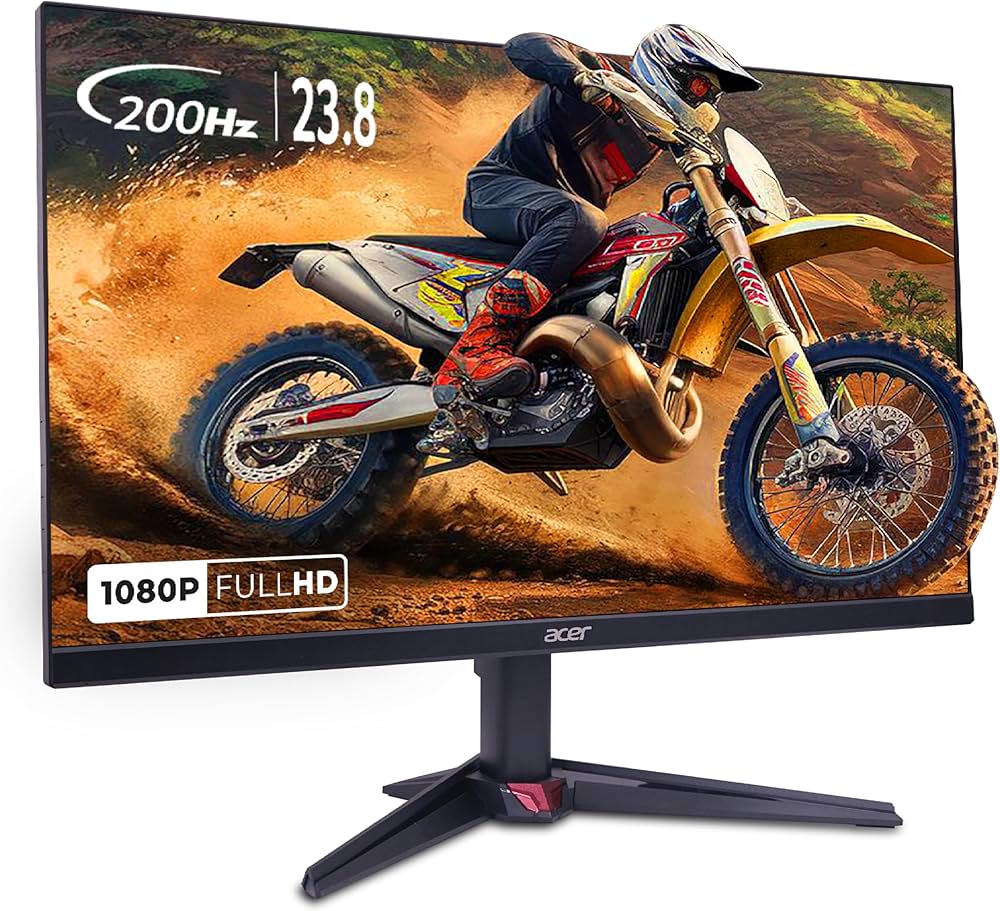
Top of the screen at or slightly below eye level. That's it.
The problem: most setups put monitors flat on desks, forcing a 15–20 degree downward head tilt. Your head weighs 4–5 kg; every inch of forward tilt multiplies the effective load on your neck — at typical gaming-lean angles, your neck muscles handle the equivalent of 15–20 kg for hours.
Fixes range from free to cheap:
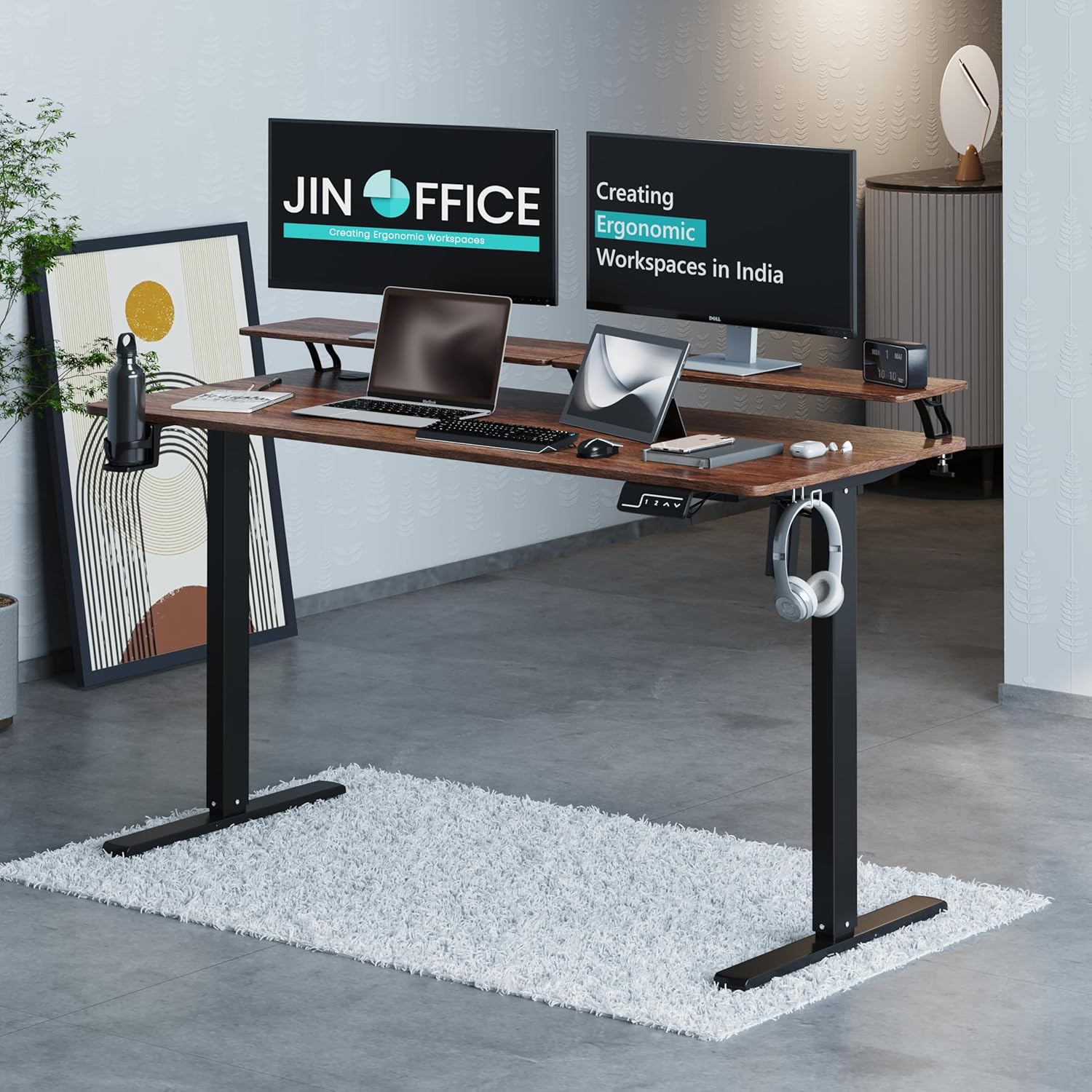
- Raising the monitor on books/boxes (free)
- A monitor arm (₹2,000–4,000, also frees desk space)
- VESA-mounting properly if your display allows
And the distance: an arm's length away, roughly. If you're leaning toward the screen to read HUD text, the text size or distance needs fixing — not your posture sacrificed to compensate.
The Chair Settings Nobody Adjusts
Even a basic chair has adjustments most owners have never touched. Spend ten minutes:
- Lumbar support positioned at your actual lumbar — the curve sits in the small of your back, around belt height, not mid-spine. This is the setting that makes the difference between chairs
- Armrests at elbow height — supporting forearms during play takes load off shoulders and neck entirely
- Recline slightly — 100–110 degrees beats bolt-upright 90°; upright-perfect is a myth, slight recline unloads the spine
- Seat depth — two-to-three finger gap between seat edge and knee backs. Deep seats force slouching to reach the backrest
If your current chair fails these fundamentals no matter how it's adjusted, that's when upgrading makes sense — the chairs under ₹5,000 guide covers respectable entry points before the premium tiers.
The Micro-Habits That Outweigh Any Chair
Posture isn't a position; it's a pattern of movement. The healthiest spines belong to people who move, not people who sit perfectly still:
The 45-minute rule: every 45–60 minutes, stand up for 60 seconds. Walk to fill water. Look out of the window. Spinal discs rehydrate and muscles reset. Set phone reminders until it's instinct — this habit does more than any ₹50,000 chair ever will
The 20-20-20 for eyes: every 20 minutes, look at something 20 feet away for 20 seconds. Eye strain drives the forward-head lean you don't notice yourself doing
Shoulder rolls and neck circles between matches — during loading screens, not instead of them
Hydrate deliberately — water breaks force movement breaks. Sneaky, effective
The stretch trio post-session (two minutes): chest opener in a doorway, seated spinal twist, neck side-stretches. These undo the three positions gaming locks you into
The Warning Signs You Shouldn't Ignore
Some discomfort after marathon sessions is normal muscle fatigue. These aren't:
- Numbness or tingling in fingers/hands — wrist angle or emerging nerve issues; fix the neutral-wrist setup now
- Pain that radiates down a leg — possible sciatica involvement; time for a professional opinion, not more grinding through it
- Neck pain that persists into the next day — your monitor height is wrong, guaranteed
- Needing painkillers to game comfortably — the setup has failed completely; rebuild from scratch
Bodies warn before they break. Gamers who listen at the tingle stage never meet the surgery stage.
The Setup Budget That Actually Matters
Where should rupees go if you're fixing a painful setup? In order:
- Monitor arm or riser (₹0–3,000) — fixes neck strain immediately, often free with books
- A footrest if your feet dangle (₹500) — instant hip correction
- Chair upgrade (when the current one can't be adjusted to fit) — see the under-₹10,000 chair comparison
- Everything else — RGB, mouse bungees, and other accessories add zero ergonomic value however good they look on stream
Notice the ordering: the cheapest fix comes first because geometry beats gear. A perfect chair at the wrong desk height still produces pain.
The Bottom Line
Four right angles, monitor at eye level, a real lumbar position, movement every hour, and honesty about warning signs. That's the entire formula — and it costs almost nothing to implement tonight.
Your future self, still gaming comfortably at 45, is watching how you set up your desk this week. Give them something to smile about.


Top Picks at a Glance
| Feature | HyperX Cloud Stinger 2 Gaming Headset | JBL Quantum 100 Gaming Headset | Redragon M602 Gaming Mouse | LG Ultragear 24G411A 24 Inch FHD IPS Gaming Monitor 144Hz | Portronics Vader Wired Gaming Mouse with 6 Buttons |
|---|---|---|---|---|---|
| Type | Swivel-to-mute Cardioid | Detachable Flip-up Cardioid | Optical | — | — |
| Weight | 272g | 240g | 137g (tunable) | — | — |
| RGB | No | No | Yes 16.8M colors | — | — |
| Warranty | 2 Years | 1 Year | 1 Year | — | — |
| Price | ₹1,998 | ₹1,999 | ₹4,007 | ₹9,900 | ₹379 |
| Rating | ★ 4.5 | ★ 4.3 | ★ 4.3 | ★ 4.3 | ★ 4.3 |