
Every Indian gaming setup covered here faces the same question at the same budget: the monitor upgrade, the mouse upgrade, or the keyboard upgrade - but rarely all three at once. So the comparison reviewed them one at a time over three weeks - an LG Ultragear 24-inch 144Hz at ₹8,299 (31% off), the HyperX Pulsefire Haste 2 at ₹4,899, and the Logitech G515 TKL at ₹11,995 - the case for one upgrade per week, with each entry logging how it changed actual play. Order matters more than any individual item.
The Three Upgrades
| Item | Price | Key spec | Upgrade class |
|---|---|---|---|
| LG Ultragear 24-inch FHD 144Hz | ₹8,299 (31% off) | 1ms MR, FreeSync, IPS | Feel upgrade |
| HyperX Pulsefire Haste 2 Wireless | ₹4,899 | 61g, 26K DPI | Aim upgrade |
| Logitech G515 Lightspeed TKL | ₹11,995 | Low-profile wireless | Refinement upgrade |
Week 1: The Monitor - The Big Reveal
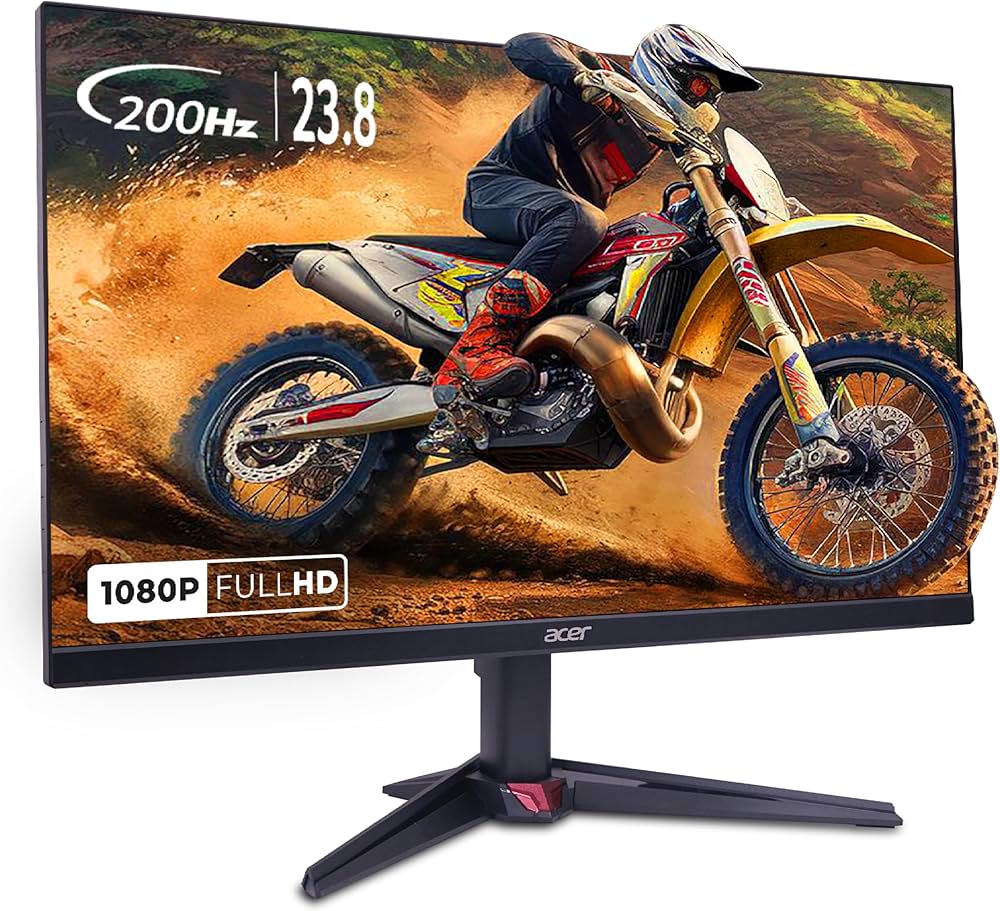
The 60-to-144 jump is the single largest feel change in PC gaming, and the LG Ultragear's IPS panel with 1ms motion response is the cleanest version of it in this budget class. First Valorant match: the same corners that used to blur during a peek now kept their edges, and tracking a strafefelt continuous instead of slideshow-y. FreeSync removed the tearing the Intel-heavy setup occasionally threw. By week's end the flick-hit ratio was measurably up - not because the monitor aims, but because it finally shows the player what the hand is doing in real time. At ₹8,299 with 31% off, this is a brand-name 144Hz under the eight-and-a-half-thousand mark, which was genuinely unthinkable two years ago.
Week 2: The Mouse - The Silent Win
The Pulsefire Haste 2 is 61 grams of exactly-enough: light enough that wrist flicks recover faster than they used to with an old 90g unit, and its 26K DPI sensor tracked without a single skip on a cloth pad across three weeks - and the test deliberately used the cloth pad because Indian gaming desks rarely have the space for glass. The wireless latency never registered as a problem in ranked play. It is 4.2 stars across 60 ratings - small sample, so lean on the pedigree: HyperX makes tournament-peripherals, and this mouse behaves like one. The quiet truth: after the monitor swap, the mouse was the second thing aim actually noticed.
Week 3: The Keyboard - The Guilty Pleasure
The G515 Lightspeed TKL is the ₹11,995 question: does a premium keyboard move your rank? Honest answer - barely, and it does not claim to. It moves something else: every keystroke lands with a low-profile mechanical crispness that makes typing and ability-casting feel expensive, Lightspeed wireless never hiccupped, and the TKL layout gave the mouse extra arm-room. Finger-speed may not change; willingness to sit down and play can. Buy it last, and know exactly what you are paying for: comfort and polish, not points.
The Priority Rule That Emerged
- Buy the monitor first, always. It changes what you see, and what you see limits what your aim can ever become. ₹8,299 here moves your feel more than any other item on this page.
- Buy the mouse second. Aim input is the second bottleneck after display. ₹4,899 gets you tournament-grade tracking.
- Buy the keyboard last, or never. Unless comfort or latency purism genuinely bothers you - the budget mechanicals from earlier batches still perform the job.
Verdict
Under ₹13,500 you can buy the monitor-plus-mouse pairing that will actually change your game this month. Add the keyboard when the budget allows and the whim strikes - it is a joy, not a win-condition. Live prices: LG Ultragear • Pulsefire Haste 2 • G515 TKL.
Related: The guide to is the logitech g102 still worth buying in 2026? (honest review update)
FAQs
Will a premium keyboard raise my rank? Barely, and the G515 does not claim to. What ₹11,995 buys is low-profile mechanical crispness, Lightspeed wireless that never hiccupped, and a TKL layout that frees arm-room for the mouse. Finger-speed may not change; willingness to sit down and play can.
Is wireless mouse latency actually a problem? In three weeks of ranked play on the Pulsefire Haste 2 - 61g, 26K DPI, 1KHz polling - it never registered. The sensor tracked without a single skip on a cloth pad, which is the realistic Indian desk surface anyway.
What if my GPU only outputs 60fps? Then the 144Hz monitor is not wrong, your budget is just pointed at the wrong box. Valorant and CS2 at 1080p medium hit 144+ on really mid-range hardware; AAA titles will not without upscaling. Fix frames before buying the panel.


Top Picks at a Glance
| Feature | HyperX Cloud Stinger 2 Gaming Headset | JBL Quantum 100 Gaming Headset | Redragon M602 Gaming Mouse | LG Ultragear 24G411A 24 Inch FHD IPS Gaming Monitor 144Hz | Portronics Vader Wired Gaming Mouse with 6 Buttons |
|---|---|---|---|---|---|
| Type | Swivel-to-mute Cardioid | Detachable Flip-up Cardioid | Optical | — | — |
| Weight | 272g | 240g | 137g (tunable) | — | — |
| RGB | No | No | Yes 16.8M colors | — | — |
| Warranty | 2 Years | 1 Year | 1 Year | — | — |
| Price | ₹1,998 | ₹1,999 | ₹4,007 | ₹9,900 | ₹379 |
| Rating | ★ 4.5 | ★ 4.3 | ★ 4.3 | ★ 4.3 | ★ 4.3 |